You’ve probably had it happen. You start driving, your route looks fine, then everything slows down without warning. A navigation app reroutes you fast, and somehow the new ETA feels believable.
That magic comes from traffic data. In simple terms, it’s information about road speed and travel conditions, collected from multiple sources. The real value is that apps combine it, update it often, and use it to predict what’s likely ahead.
This article breaks down how apps like Google Maps, Waze, and Apple Maps get traffic data, process it, and turn it into route guidance. You’ll also see where privacy fits in, plus what’s changing next in 2026.
Where Navigation Apps Get Their Traffic Data
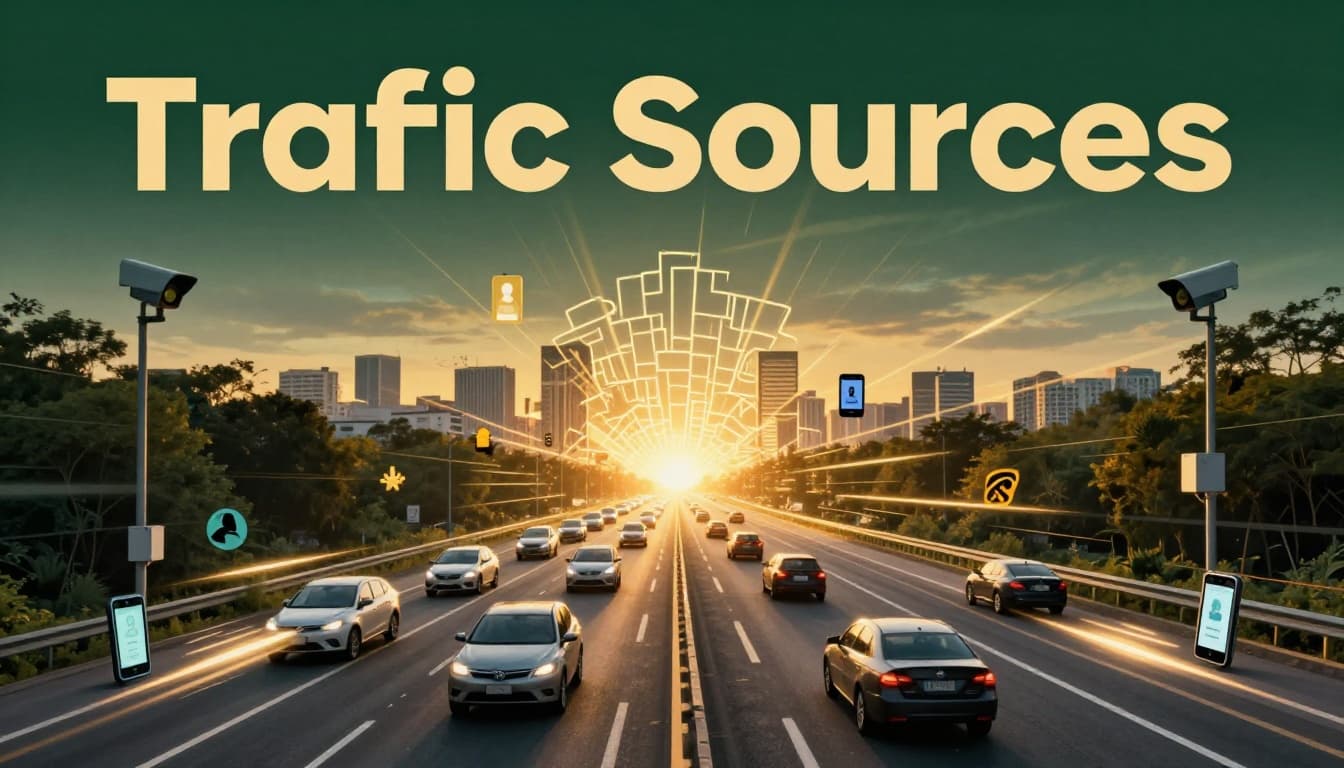
Navigation apps don’t rely on one single feed. Instead, they pull from several data streams, then blend them together. That mix helps them catch slowdowns quickly and keep routes accurate as conditions shift.
A common part of the system is crowdsourcing, which means drivers and phones act like sensors. Another part comes from fixed roadside devices that watch traffic flow. Many apps also rely on partnerships and official reports for incidents like crashes or road closures.
Crowdsourcing from Millions of Phones
Phones in your pocket can report movement in the background, as long as you grant location permissions. When you drive with a navigation app running, it can record things like GPS position and travel speed over time. Apps then aggregate that info with data from many other drivers.
The key idea is that apps look for patterns, not individual identities. If lots of phones report slower movement on the same roads, the app treats it as a likely slowdown. If speeds return to normal, the app updates again.
Waze is especially known for this crowd-based approach. Waze users also submit reports like “accident” or “traffic jam.” Then other drivers benefit from what the community sees.
Google Maps uses a similar concept too, even though the experience can feel different. For example, Google has brought in Waze crowd-sourced traffic signals in some cases, because that data can help identify congestion faster. You can read about that shift in Google Maps starts using Waze traffic crowd-sourced data.
Roadside Sensors and Fixed Devices
Crowdsourcing is powerful, but it won’t cover everything well. Weather, construction, and rural roads can reduce how much crowd data arrives. That’s where fixed devices help.
On many highways, agencies use sensors that count vehicles. Some systems use road loops under asphalt, radar readers, or camera-based counting. These devices help estimate traffic speed and volume in steady ways.
Navigation apps can then use those counts to improve accuracy. For example, if phones are sparse on a stretch of highway, a sensor reading can still tell the app the road is flowing slowly. Coverage tends to be strongest on major roads, where transportation departments place equipment first.
In practice, fixed data often acts like a “baseline.” Crowd data can fill in local details and faster changes. Together, they reduce guesswork.
Partnerships and User Reports
Apps also get traffic signals from partners. That might include data providers that compile road conditions, traffic counts, or incident reports from multiple regions.
Partnerships matter because traffic can change quickly, and not every app can capture everything on its own. Some systems also pull from government sources, especially for planned events like lane closures.
Then there are human reports, which usually focus on incidents. Drivers can flag:
- Crashes
- Heavy construction
- Police activity
- Blocked lanes
- Road closures
Apps typically verify these reports using patterns in traffic speeds and other incoming signals. If many reports match real slowdowns nearby, the app takes the incident more seriously. If not, it may treat the report as less reliable.
How Apps Process Traffic Data with AI
Getting traffic data is only half the story. The other half is turning noisy signals into useful guidance. Phones can report delayed GPS points. Sensors can misread lanes in bad weather. Human reports can be wrong.
So navigation apps run the data through layers of processing, then use machine learning to predict what happens next. The result is what you see on the map: color-coded roads, updated ETAs, and reroutes that feel quick.
Blending Live and Past Data
Apps rarely treat “right now” as the whole truth. They blend live speed data with patterns from the past. For example, a road might be slow every weekday at 5:15 PM. Even before a crowd reports a slowdown, the app can anticipate it.
This helps with two things:
First, it improves early accuracy. When traffic is just starting to build, the app can predict the likely slowdown before it becomes obvious.
Second, it stabilizes the route. Instead of flipping routes every minute, apps smooth the data. That reduces random reroutes caused by a few outlier reports.
As a driver, it often feels like the app “understands” rush hour. In reality, it’s matching current observations to historical patterns.
AI Predictions for Smarter Decisions
Once the app estimates current conditions, AI helps predict near-future traffic. That matters because your ETA is about what happens in the next 10 to 30 minutes, not just the next turn.
Machine learning models can detect trends like:
- A slowdown spreading along a corridor
- A crash clearing but leaving residual delays
- A construction zone causing repeated braking
Then the app recalculates your route and updates the ETA. This is why the “fastest route” can change while you’re driving. It’s not just recalculating distance, it’s recalculating expected travel time.
AI also helps with how the app communicates guidance. In 2026, Google has leaned into AI tools across Maps and Waze, including Gemini-based features. Reports like Google adds Gemini AI to its Maps, Waze apps point to a shift toward more conversational help and smarter guidance. That doesn’t replace traffic data, but it changes how you interact with it.
The bigger goal stays the same. The app tries to reduce uncertainty for your trip.
Everyday Ways Apps Use This Data to Help You Drive
Traffic data becomes useful only when it shows up in decisions you can feel. That’s where navigation apps earn their keep.
Your route is one use. Your ETA is another. Then come alerts and hazard info. Together, these features reduce stress because you spend less time guessing what’s ahead.
Building the Fastest Routes and ETAs
Most apps aim to pick the route with the best expected time. But “expected time” is where traffic data matters most.
When you start a trip, the app estimates travel time using current speed estimates. Then it watches for changes. If congestion increases, it updates your route.
You’ll often notice two patterns:
- The app reroutes when the time saved becomes worth the disruption.
- It holds steady when changes look minor.
ETAs work the same way. Instead of using one fixed number, the app updates your ETA as it gets new data. That’s why your ETA can creep up during a slowdown, then improve after it clears.
A useful way to think about it is like a weather forecast. You don’t plan your whole day based on a single reading. You adjust as the forecast updates.
Sending Alerts for Road Hazards
Traffic data isn’t only about speed. It’s also about safety and access. When the app detects an incident, it can show an icon on the map and send a notification.
The best alerts tend to combine multiple signals. For example, an accident report might come from drivers. But the app also checks whether nearby traffic speeds drop in a matching pattern. If they do, it’s more confident.
Construction and lane closures work similarly. If a road segment is reported as closed, the app checks for matching speed changes and then reroutes you.
In many apps, you’ll see hazard categories like:
- Accidents and crashes
- Police activity
- Road closures
- Severe congestion
- Weather-related slowdowns
The goal is simple: help you avoid surprise. If you can see the issue early, you can change lanes safely or pick a better exit.
The app doesn’t predict traffic perfectly. It predicts it well enough to keep your plan realistic.
How Your Privacy Remains Safe in All This
Traffic data often includes location information. That makes privacy a real concern, not a side issue.
Good news: many apps try to protect users through aggregation. Instead of tying congestion to one person, they group movement patterns into anonymous segments of road traffic.
Still, the exact details vary by app. You may also have different privacy settings. Some apps let you pause location history or delete it. Others keep more long-term records for better personalization.
It also helps to know what apps track. Research from The Zebra explains that map apps can track device location to improve navigation and ads, and it notes ways users can reduce tracking. See what map apps track and how to get them to stop.
Apple Maps is explicit about privacy in its legal materials. It states that Apple Maps is designed to protect privacy and that it does not collect personal data associated with Maps usage in the same way some services might. You can review Apple Maps privacy details.
In plain terms, your best steps are:
- Check your location permissions (only while using the app, if possible)
- Review settings for location history
- Turn off options you don’t want, like ad personalization
Even with protections, it’s smart to treat navigation as sensitive data. Your driving routine can reveal where you live, work, and shop.
What’s Coming Next for Traffic-Smart Navigation
By March 2026, navigation apps are moving toward more prediction and more flexible trip planning. AI plays a bigger role, and the apps are starting to plan routes that match your real context, not just your start and end points.
Several trends stand out:
First, better short-term prediction. Apps will get better at forecasting congestion minutes ahead, especially during fast-changing situations like sudden construction shifts.
Second, multimodal routing. Some trips will combine driving, walking, biking, and public transit in one plan. That matters more in cities, where a single “best route” might include more than just highways.
Third, more on-device processing. When parts of the logic run closer to your phone, the app can respond faster. It can also reduce how often it sends raw location data.
Finally, interfaces are getting smarter. Google Maps has been redesigning navigation for years, and 2026 updates point to more AI-driven guidance. Ars Technica covered Google Maps gets its biggest navigation redesign in a decade, plus more AI, highlighting how the experience keeps changing for drivers.
Expect the biggest benefits to show up as fewer late surprises. You’ll see more accurate ETAs, earlier hazard warnings, and route suggestions that fit your goals.
Conclusion
Navigation apps turn traffic chaos into clear choices by combining multiple traffic data sources, then predicting what happens next. Phones and sensors help estimate road speeds, while reports capture incidents. AI blends live signals with past patterns to build routes and ETAs you can trust more than a static estimate.
Privacy matters too. Most apps focus on aggregation, and you still have control through permissions and settings.
Next time you’re navigating, it helps to remember the tech behind your route. Then tweak your settings so your app uses the right data, in the way you prefer. What app do you rely on most when traffic gets messy?